Choosing your land
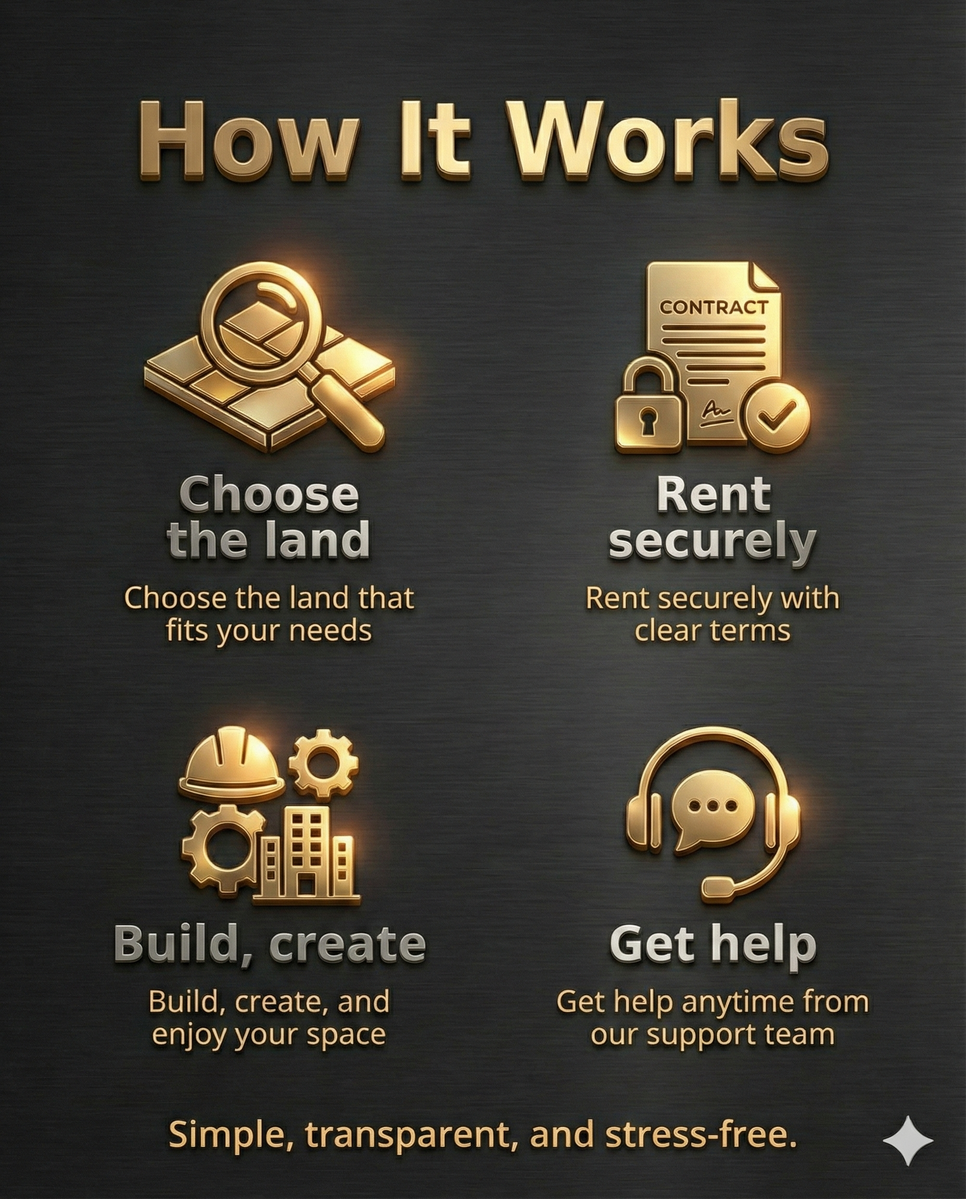
Compare area, prim allowance, permitted uses and ground or sky access. Check current prices and availability in our existing rental list.
Founded in 2017, we have grown into a well-established brand by combining experience, professionalism, and a deep understanding of virtual land management. From the very beginning, our goal has been clear: to create safe, transparent, and high-quality real estate experiences for our residents.
Beyond land and regions, what truly defines Royal Estate is our people-first mindset. We believe that the most valuable part of any virtual world is the people who live in it. That is why we place great importance on friendly, approachable, and warm customer service. Our team is always ready to listen, help, and guide — not with scripted responses, but with genuine care.
We offer a wide range of virtual land options, supported by reliable systems, fair rental policies, and consistent region performance. Every service we provide is designed to make our residents feel comfortable, supported, and confident in their choices.
At Royal Estate, success is not measured only by regions or numbers, but by the happiness and satisfaction of the people who choose us.
We don’t just rent land — we build lasting relationships and help you feel at home in your virtual space.
Find the right space and make the most of your Royal Estate rental.
Compare area, prim allowance, permitted uses and ground or sky access. Check current prices and availability in our existing rental list.
Choose a whole region around your build and expected activity. Contact us to request Estate Manager permissions for a full sim.
Authorize automatic rent payments with AutoPay. It uses rental credit first; your paired and authorized Auto-Pay device can pay a shortfall from your Second Life L$ balance. Enable it per rental, and leave the device rezzed and connected for offline L$ payments.
Security Orb, Teleporter, Prim Counter and Lag Meter: four practical tools for authorized Royal Estate land, with detailed resident instructions.
Already a resident? Open your Royal Estate portal to check rentals, credit and payment history.
Connect with Royal Estate across the metaverse and web.
⚡ Questions? Issues? Ideas? Reach our support team anytime — we’re just one message away. Providing affordable Residential & Commercial Parcels Since 2017. Experience the Difference of Premium Management . Your Comfort is Our Priority
Here you’ll find answers to the most common questions about renting and living at Royal Estate. If you need more help, our staff is always ready to assist you.
View current prices, prim allowances and available parcels in our available land list, or visit the vendors at our Royal Estate office.
📍 Teleport to Office
The Essentials Pack includes a Security Orb, Teleporter, Prim Counter and Lag Meter for use on authorized Royal Estate land. Collect your pack at our Main Office and read our Essentials Pack guide for setup and detailed resident instructions.
Get Essentials Pack
You can contact us in several ways:
You can send a message through the RoyalEstate bot, Discord or email at any time. Response times depend on staff availability.
No, a premium account is not required. We accept payments in Linden Dollars (L$), so all Second Life members are able to rent land with Royal Estate.
First, pay the rent meter located at the corner of the parcel.
Then, in your Second Life viewer, click:
World → Buy This Land or Parcel Details → Buy Land.
The purchase price is L$1.
Yes, this is possible. Others may pay your rental board directly. In rare cases where funds are returned, you can add them as a Sub-Tenant on your rental sign.
You can pay at the rent meter on your parcel or the terminal kiosk at the Royal Estate office.
You can also use Pay now in the resident portal with your available prepaid rental credit, even while offline. Add rental credit through the office Credit Vendor. To authorize automatic rent payments, enable AutoPay separately for each rental. It uses rental credit first; your paired and authorized Auto-Pay device can pay the remaining amount from your Second Life L$ balance. For offline L$ payments, leave the device rezzed and connected, with sufficient L$ and room within its payment limit. See our AutoPay setup and payment guide.
It is not required, but we recommend informing us. All reminders are sent to the name listed on the rental board.
Yes, we can transfer your credit. Please tell us which land you are moving from and to. We ask that you pay at least one week in advance.
Yes, for full regions or homesteads. For parceled regions, all current tenants must agree.
Yes, if you rent a full region or homestead. Please contact our staff.
Yes, this is possible. Please contact our staff to check availability.
If you rent at least half a region, yes. For smaller parcels, all neighboring tenants must agree. We can also provide textured prims if needed.
Yes, up to 5 pets. Please limit their movement and sounds when you are not home.
Prims are tied to land size. To gain more prims, you must rent more land on the same region.
Yes. If you need help setting this up, our staff will gladly assist you.
Go to About Land → Sounds and check the option to limit sounds to your parcel.
In About Land → Options, uncheck “Avatars on other parcels can see and chat...”. Also adjust settings in the Sounds and Access tabs.
Open About Land → Objects, refresh the list, select the unwanted owner name, and click Return Objects.
1024 sqm = 32×32
2048 sqm = 32×64
4096 sqm = 64×64
8192 sqm = 64×128
16384 sqm = 128×128
32768 sqm = 128×256
Full region = 256×256
Yes. You can watch this tutorial: Terraforming Tutorial.
We do not offer refunds. However, your remaining credit can be reserved for future use.